FRESH
START
EVERY
TIME.
Auto-save, version pins, and boilerplate injection — all stored locally. Nothing leaves your machine. Ever.
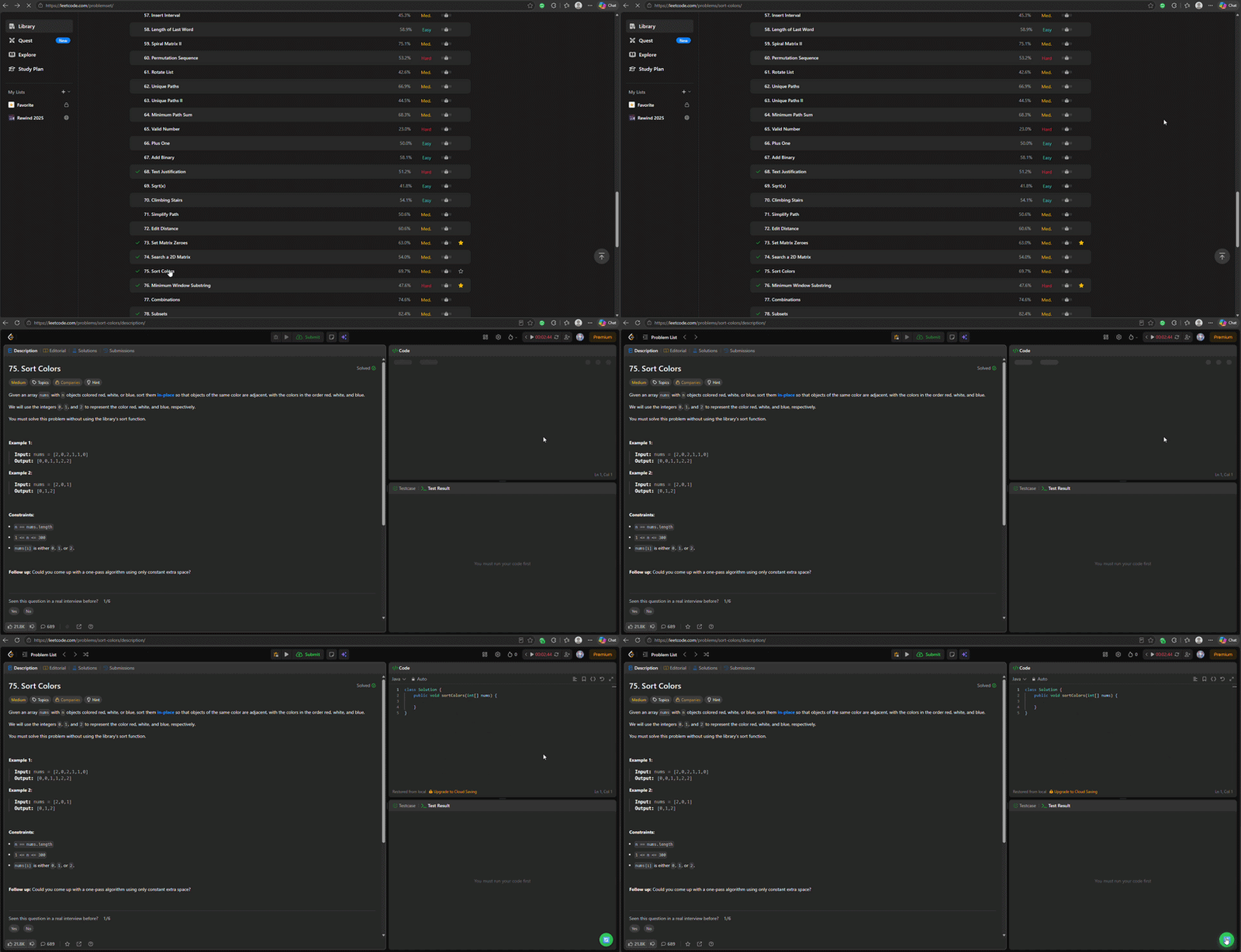
Focus on the logic.
We'll handle the rest.
Five power features, woven invisibly into your workflow.
Boilerplate Injection
Instantly injects boilerplate across all LeetCode languages (including SQL & Pandas). Lingering drafts are quietly archived.
Continuous Auto-save
Backs up your code exactly as you type. Automatically captures a snapshot before you run or submit your code.
Version Control & Pins
Rewind time. Pin crucial versions, attach notes, and easily restore any past iteration without leaving the editor.
Master Control
Easily pause or disable the extension right from the popup or the sleek in-page floating controls.
Strictly Local Privacy
Zero telemetry. All data is kept securely in chrome.storage.local. Nothing is ever sent to third-party servers.
HOW IT WORKS.
Zero config. Open LeetCode — it's already running in the background.
Ready to inject boilerplate...
ZERO
TELEMETRY.
We built a unique bridged architecture that safely interacts with the Monaco Editor from an isolated context. Fast, native, and completely private.
Isolated Brain
The extension's core logic runs in a secure isolated context. It manages GraphQL queries, storage, and auto-save timers without exposing data to the page.
MAIN Context Bridge
A specialized script executes in the page's MAIN context to manipulate the Monaco editor precisely, safely bypassing restrictive cross-origin limits.
Local Storage Vault
Every keystroke and pinned snapshot is stored directly in your browser's chrome.storage.local. You own your code, always.
THE
DETAILS.
Everything you need to know about how LeetCode Fresh Start handles your code and privacy.